
Arrest History in Santa Cruz County
A Santa Cruz County arrest can begin with a sheriff's deputy, Santa Cruz Police, Watsonville Police, Scotts Valley Police, the California Highway Patrol, UC Santa Cruz Police, State Parks officers, or another agency with arrest power. The first record is usually an incident or arrest report made by that agency. A person taken to a county facility also receives a booking record. Fingerprints may then flow to the California Department of Justice, and a court file begins only if prosecutors file a charge.
Those records answer different questions. The official Santa Cruz County jail viewer is the best first stop for current or recent county custody. An arresting agency's report can describe the event, while the Superior Court docket records later court action. California DOJ does not offer a public name search for another person's statewide rap sheet. Its fingerprint review is for the subject's own record.
This split also affects older records. A booking entry can roll off a current custody display while the arrest report stays with the police agency and a filed case remains in the court index. Sealed material, juvenile files, and protected parts of an investigation may not be public through any of those channels. Searchers should match dates, agency names, report numbers, booking numbers, and case numbers before deciding that two entries describe the same event.
Santa Cruz County Jail Viewer
The jail viewer is a custody tool, not a full Santa Cruz County arrest-history archive. It may show a custody name, booking number, booking date, arresting agency, booked charges, bail, facility, court reference, and release status when those fields are public. A name can vanish after release, and a cited person may never enter the county jail at all.
The Sheriff's Santa Cruz Main Jail page shows the local corrections channel in context.
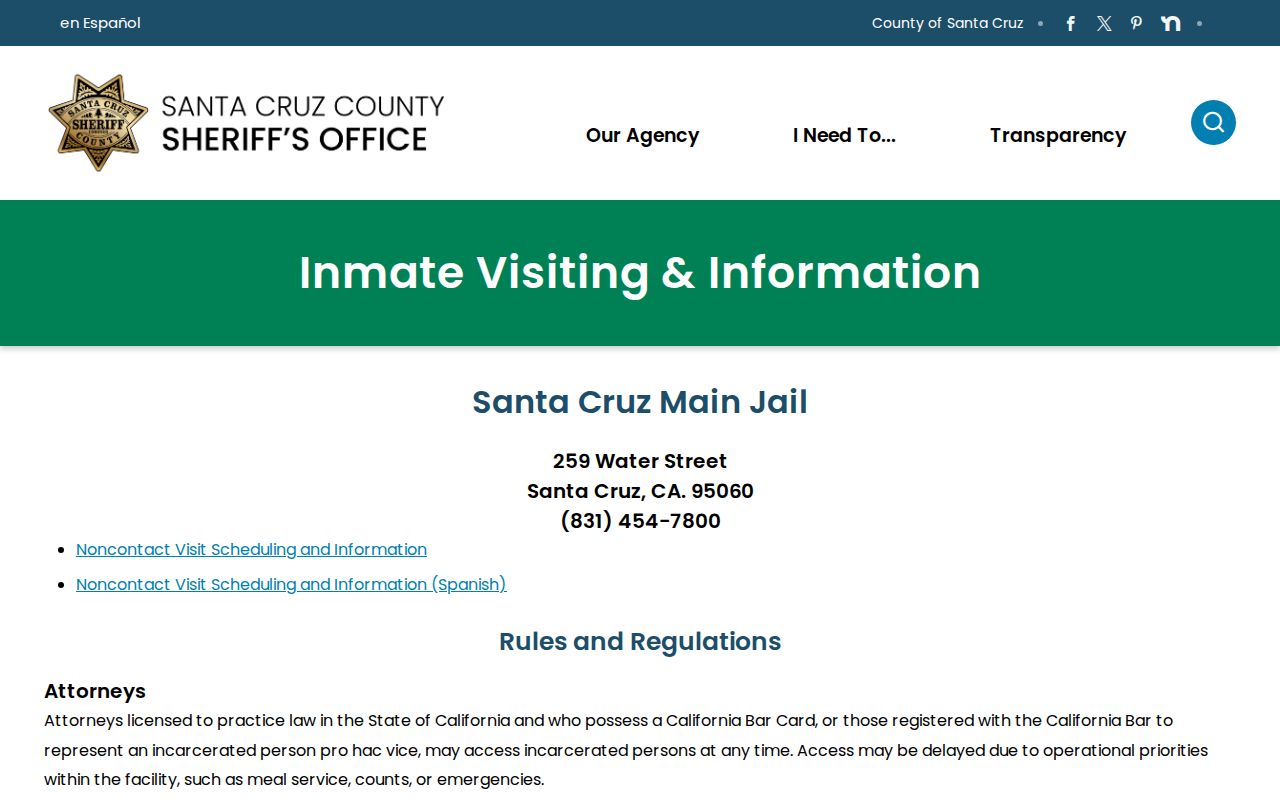
The jail page is useful for current facility rules, while the jail viewer remains the direct place to check a booking or custody status.
How to Look Up Santa Cruz County Arrests
Use the channel that matches the record sought. A broad name query alone can miss a city report, a cite-and-release arrest, or a booking that has rolled off the current viewer.
- Check the county jail viewer for current or recent custody. Search with the most exact name available and keep any booking number.
- Identify the arresting agency. Ask that agency for the arrest or incident report, since city police reports do not move to the Sheriff merely because booking occurred at a county jail.
- Search the Santa Cruz Superior Court Odyssey Portal after enough time has passed for prosecutors to file a case. Filter Case Type to Criminal and use the booking number when available.
- For your own statewide California record, follow California DOJ Record Review instructions and submit fingerprints through Live Scan or the approved out-of-state card process.
- If the online routes do not supply the needed record, submit a focused request to the correct records office by web, mail, phone, fax, email, or in person as that office permits.
Santa Cruz Arresting Agency Channels
The agency name on the booking entry determines where the underlying report lives. Use the Santa Cruz Police records page for Santa Cruz PD incidents, Watsonville Police Records for Watsonville incidents, and Scotts Valley Police Records for Scotts Valley incidents. CHP, UCSC Police, and State Parks events have their own agency records paths.
Sheriff incidents, sheriff arrests, jail records not shown online, and sheriff warrant material go through the Sheriff's records route. This distinction saves time because the countywide public-record portal and the Sheriff-specific portal serve different custodians. A police report may also be redacted for an active investigation, juvenile material, victim details, medical facts, or other protected information.
Beach, park, campus, and highway incidents can be especially easy to misroute in Santa Cruz County. A location that people describe as Santa Cruz may fall under State Parks, UCSC Police, CHP, city police, or the Sheriff. Check the agency field first. If it is not visible, use the event location and report number to ask which office responded before filing a records request.
What a Santa Cruz County Arrest Record Shows
A Santa Cruz County arrest record can identify the event and custody path, but its fields depend on whether the source is a police report, booking entry, or court docket. The arrest charge is an officer's or booking agency's entry at that stage. It can differ from the charge a prosecutor later files.
| Booking number | The jail identifier that can also help narrow an Odyssey party search. |
|---|---|
| Date and location | When and where the arrest or booking occurred. |
| Arresting agency | The office that made the arrest and usually holds the incident report. |
| Charges | Allegations recorded at arrest or booking, which may change when charges are filed. |
| Bail or bond | A public amount or no-bail status when the official system displays it. |
| Photo and descriptors | Only what an official viewer elects to display; private safety, medical, and juvenile data stay restricted. |
| Release status | Custody location, release date and time, or current status when public. |
Santa Cruz Sheriff's NextRequest Fields
When a jail or web search is not enough, the Sheriff directs public-record requests to its own NextRequest form. The form asks for a report number when known and the requester's relationship to the investigation. Those fields help staff find the right file and assess which parts may lawfully be released.
The manifest also documents the separate County of Santa Cruz NextRequest form.
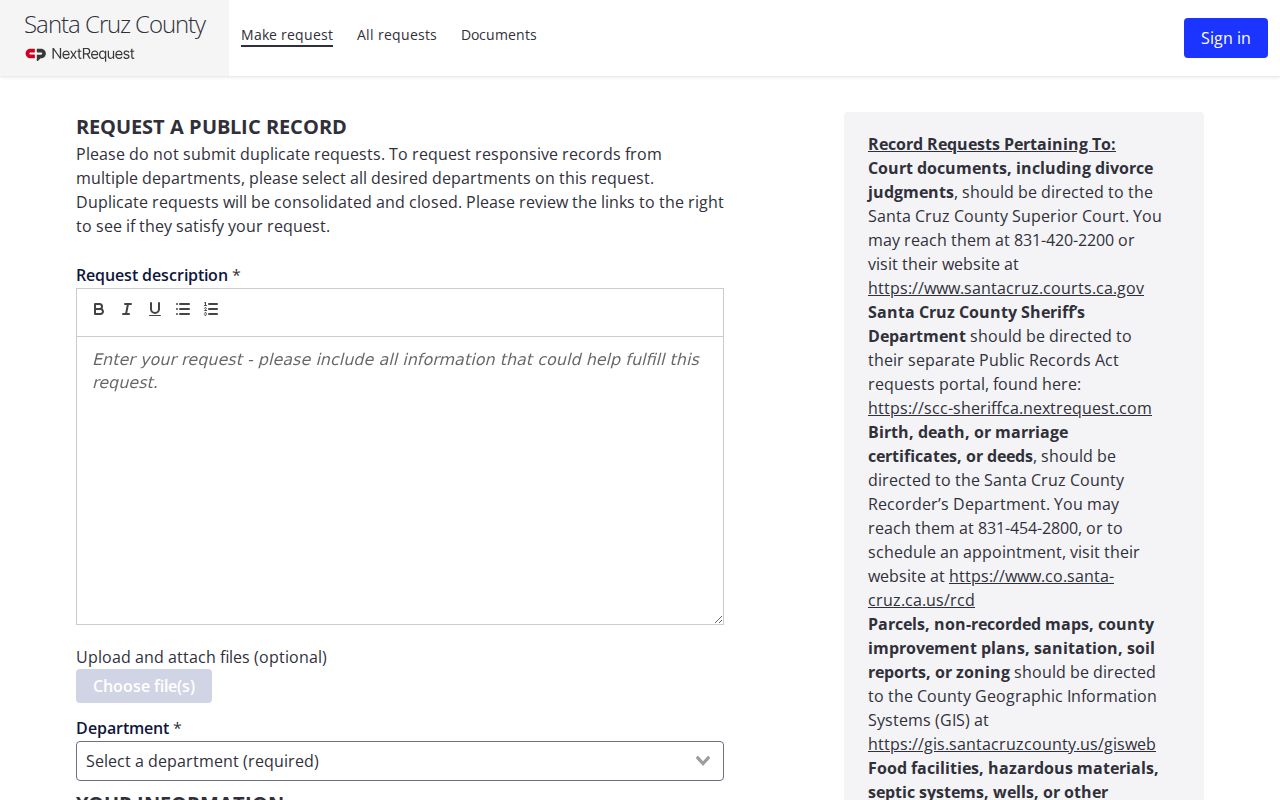
Use the countywide form for records held by general county departments, not as a substitute for the Sheriff portal or a city police records unit.
Santa Cruz County Sheriff's Office
Records requests for sheriff incidents, sheriff arrests, jail materials, and related warrant records use the Sheriff-specific NextRequest portal. Current office hours and live contact details should be confirmed on the official public-records page.
A focused request should state the record sought, the event date and place, the involved agency, and a report or booking number if known. The form does not guarantee release. Staff may withhold or redact victim information, juvenile records, active investigative facts, confidential addresses, medical material, and other content protected by the California Public Records Act or a specific statute.
Recent Santa Cruz Arrests and Bookings
Recent Santa Cruz County booking information is most useful for the narrow question of local custody. A person may not appear because they were cited and released, transferred, released before the listing was checked, booked by another jurisdiction, or never booked. Absence from the viewer does not prove that no arrest occurred.
The Sheriff's corrections pages explain that jail facilities operate around the clock, though public lobbies, phone support, and visiting services can keep limited schedules. The Sheriff's Corrections FAQ supplies that operational context.
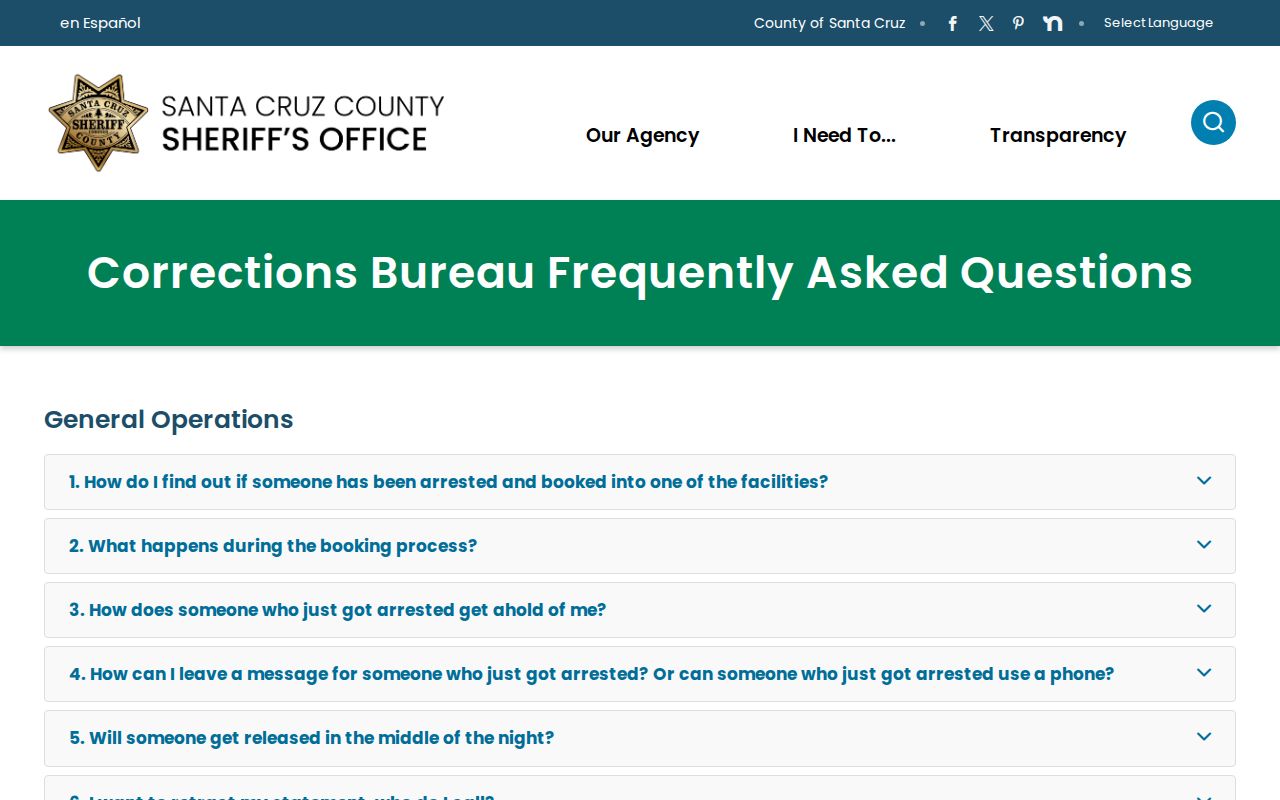
The FAQ helps with live jail procedures, but historical booking copies still require the proper records request when they are no longer visible online.
Note: A current jail list is a moving custody snapshot, not a complete Santa Cruz County arrest-history report.
Finding Santa Cruz Warrant Arrests
A warrant can leave more than one trail. Start with the Sheriff's arrest warrant search, then check Odyssey because the court portal includes Warrant among its case-status values. A municipal, probation, out-of-county, state, or federal warrant may require a different issuing office.
If a warrant appears, confirm the case number and issuing court before taking action. Court or legal counsel can explain calendar and surrender options. A law-enforcement records desk generally cannot erase a court warrant on request, and status updates may lag after the matter is resolved.
Why Santa Cruz Arrest Charges Change
Booking charges describe what was recorded at arrest. The District Attorney may file different charges, decline to file, or ask for more investigation. Once a case is filed, the Santa Cruz County criminal court case record becomes the source for arraignment, pleas, motions, disposition, and sentence. Some arrests never create a court case.
Odyssey can be searched by party name, case number, citation number, FBI number, SO number, or booking number, with Case Type set to Criminal. File-date filters can help with common names. A court result still does not turn the court clerk into the custodian of the police report.
Portal status values add another clue. Active, Dismissed, Probation, Held to Answer, Deferred Entry of Judgment, and Warrant describe court-file status, not the original arrest outcome. A dismissal may support record-relief steps, but it does not mean that every agency copy or online reference disappears at once. A person reviewing their own Santa Cruz County arrest history should compare the final court order with the DOJ record before seeking a correction.
Santa Cruz Arrests vs Convictions
An arrest records an accusation and a custody event. A conviction records a court finding or plea. Keeping them separate is vital when reading Santa Cruz County arrest history, especially when prosecutors reject charges or a court dismisses or acquits the case.
| Point | Arrest record | Conviction record |
|---|---|---|
| Created by | Arresting agency and jail | Superior Court |
| Shows | An arrest or booking occurred | A plea or finding of guilt |
| Primary channel | Agency report, jail viewer, or records request | Court docket and eligible DOJ record review |
| Possible outcome | Release, no filing, or later case | Sentence, appeal, relief, or other court action |
Eligible California arrests may be sealed under Penal Code section 851.91, and eligible convictions may receive other relief. If your own record looks wrong or should reflect a sealing order, verify the court order and use DOJ's record-review challenge process.
Note: An arrest is not proof of guilt, and a Santa Cruz County booking may never result in a filed charge.