
Santa Cruz Court Record Custodians
The online index, the records division, and the criminal division serve related but distinct functions. Odyssey finds public case entries. The records division handles research, copies, and certification. The criminal division manages filed criminal proceedings. A request works best when it names the case number, document, filing date, and copy type rather than asking broadly for a “criminal history.”
For a police narrative, contact the agency that made the report. For a booking record, use the Sheriff's custody and records channels. This custodian map keeps a Santa Cruz County criminal court request with the office that actually holds the requested item.
Criminal Cases in Santa Cruz County Courts
The Superior Court of California, County of Santa Cruz keeps the filed case record for local felonies and misdemeanors. Its criminal division receives charging papers, schedules arraignments and hearings, records pleas and rulings, and enters the final disposition and sentence. The District Attorney may file charges after a law-enforcement referral, and those filed charges can differ from the labels used at booking. The court file is therefore the best source for what prosecutors actually alleged and what the court ultimately decided.
City municipal court pages serve city-level ordinance, infraction, payment, and administrative matters. They do not replace the Santa Cruz County Superior Court criminal index. A Santa Cruz, Watsonville, or Scotts Valley police arrest can lead to a county jail booking and then a Superior Court case. Those are three related records held by different offices. Check the case number and court division before requesting a copy.
Santa Cruz Odyssey Criminal Filters
The county's named search channel is Odyssey Portal Smart Search. Its main box accepts a record number or a name in Last, First Middle Suffix order. Advanced filters allow a searcher to choose Criminal as the case type, narrow a date range, or select a search type such as Case Number, Party Name, Citation Number, or Case Cross-Reference Number. The interface also exposes filters for an SO number, FBI number, booking number, and phone number, though those identifiers will not be known in most public searches.
Anonymous wildcard name searching is restricted, so careful spelling matters. “Sounds Like” may help with a name variation, but the portal warns that wildcards cannot be used with that option. JavaScript and cookies must be enabled. A result is an index entry, not a promise that every document can be downloaded.
Search Santa Cruz Criminal Case Records
Use the most precise identifier available. A case number usually gives a cleaner result than a common name. If only a name is known, add a file-date window and confirm the case type, status, and division before treating a match as the right case.
- Open Odyssey Smart Search and enter the case number, citation number, or party name.
- Expand Advanced Filtering Options and set Case Type to Criminal.
- Use File Date Start and End or a status filter to narrow a common name.
- Open the matching docket and compare filed charges, events, and disposition.
- Use the court records channel to request unavailable, older, or certified copies.
| Field Label | Type | Required | Notes |
|---|---|---|---|
| Record Number or Name | Text | Yes | Use Last, First Middle Suffix; maximum 100 characters. |
| Search Type | Dropdown | Yes | Case Number, Party Name, Citation Number, or cross-reference. |
| Case Type | Dropdown | No | Select Criminal to exclude civil, family, probate, and traffic results. |
| Case Status | Dropdown | No | Includes Active, Closed, Dismissed, Probation, Warrant, and other values. |
| File Date Start/End | Date | No | MM/DD/YYYY; useful for common names. |
Santa Cruz Criminal Case Status Values
Status labels answer different questions. Active generally means the matter is still open. Closed signals that the court no longer treats the matter as pending, but the disposition must still be read. Dismissed means a charge or case ended without a conviction on that count. Probation can describe the post-judgment posture. Warrant points to warrant activity tied to the case, not necessarily the full terms of the warrant.
- Held to Answer
- A felony matter proceeds after a preliminary hearing or waiver to the next felony stage.
- Deferred Entry of Judgment
- Judgment was deferred under a qualifying California process; the docket must show what occurred later.
- Stayed
- The court paused an order or proceeding.
- Destroyed
- The portal's local status indicates the court no longer retains a file under its records schedule. It is different from sealing.
Read individual counts as well as the case-wide label. One count may be dismissed while another ends in a plea. A status is a navigation clue, not a substitute for the minute orders and judgment.
Inside a Santa Cruz Criminal Case File
A Santa Cruz County court file follows the prosecution rather than the arrest. It may include the complaint or information, amendments, minute orders, motions, hearing entries, plea, verdict, disposition, sentence, probation order, warrant activity, and financial obligations. Public document access varies, so the docket may identify a filing that is not viewable online.
| Case Number & Court | The unique court identifier, division, file date, and case type. |
|---|---|
| Charging Document | The complaint, information, or indictment and the counts filed in court. |
| Docket Entries | A dated event list covering filings, appearances, rulings, and minute orders. |
| Hearing Dates | Past and scheduled arraignments, conferences, motions, trial, or sentencing. |
| Disposition & Judgment | Dismissal, plea, verdict, and judgment information for each count. |
| Sentence & Conditions | Custody, probation, fines, restitution, and other court-ordered terms when public. |
A booking charge describes what was recorded at jail intake. The filed charge reflects the prosecutor's decision. An amended charge reflects later court activity. Keep those points in time separate.
Santa Cruz Court Records Exclude Police Reports
The Superior Court does not become the records custodian for a police report merely because a case is filed. A report created by Santa Cruz Police belongs with that department; Watsonville and Scotts Valley have their own records units. Sheriff-created reports go through the Sheriff's public-records route and its NextRequest portal. Reports can contain witness statements, victim data, investigative notes, juvenile information, and medical details that are withheld or redacted.
Use the court docket for charges, hearings, and outcome. Use the arresting agency for the incident narrative. Use the jail viewer for custody and booking. This channel split prevents a common mistake: asking the clerk for a document the clerk never created.
Santa Cruz Criminal Case Stages
After an agency sends its report to prosecutors, the District Attorney decides whether and what to file. The court record begins with that filing. Arraignment is the first formal appearance at which charges are addressed and plea or release issues may be heard. Pretrial events can include motions, conferences, discovery disputes, and a preliminary hearing in a felony matter. A plea, dismissal, or trial resolves the charges, followed by judgment and sentencing where applicable.
Case flow: Charges Filed › Arraignment › Pretrial › Plea or Trial › Disposition › Sentencing
Not every arrest reaches the first step. Prosecutors can decline to file, and filed counts can change. That is why a jail entry alone cannot establish the outcome of a Santa Cruz County criminal case.
Older and Certified Santa Cruz Records
When an online result lacks the needed document, follow the Superior Court's records information process. The records division controls copy requests, research, and certification. Provide a case number whenever possible, identify the exact filing or date range, and state whether a plain or certified copy is needed. Current fees and counter practices should be confirmed with the court rather than inferred from the portal.
The court locations and contact page is the source for current division counters, phone numbers, addresses, and hours. Its official page is also shown in the image below.
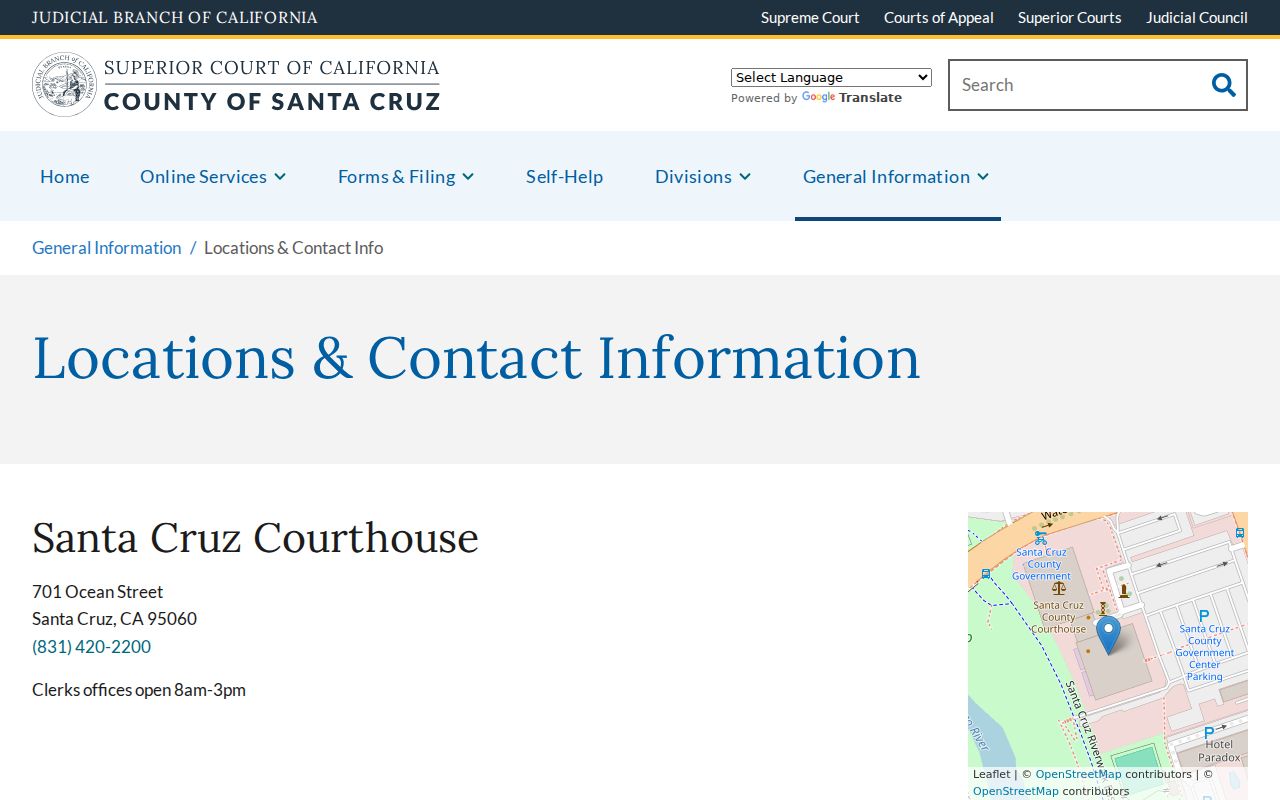
The location listing helps direct a request to the current court facility instead of relying on an old address.
The court's local forms collection is another official source when a procedure calls for a county form.
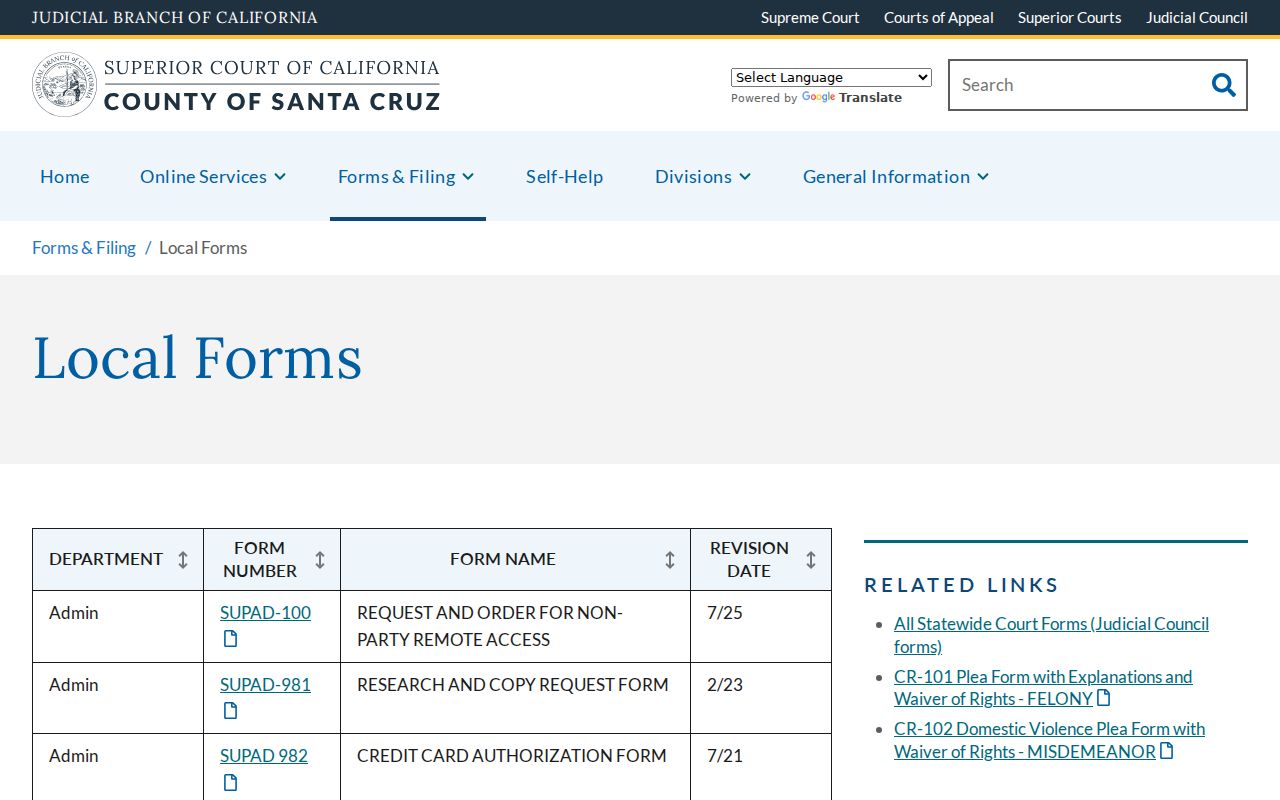
Form availability can change, so confirm the current version and instructions before filing.
Santa Cruz Case Record Access Rules
Adult Santa Cruz County criminal dockets are generally open, but remote access is not identical to courthouse access. California Rule of Court 2.503 governs remote electronic access and limits some case types and data. Juvenile matters, sealed arrests, confidential reports, victim identifiers, addresses, dates of birth, and protected documents may be absent or redacted. A pending sealing order or completed record relief can also change what is shown.
“Destroyed” and “sealed” are not synonyms. Destroyed reflects retention and destruction status in the local portal. Sealed means access has been restricted by law or court order. A dismissed case can remain visible unless another relief rule applies. If a case should have changed after Clean Slate relief, compare the court order with the portal and contact court records about the discrepancy.
Access rule: The California Public Records Act governs agency records, while court access follows judicial rules. California DOJ rap-sheet disclosure is separately limited by Penal Code section 11105.